Ergonomic Setup Checklist: Align Chair, Desk & Monitor
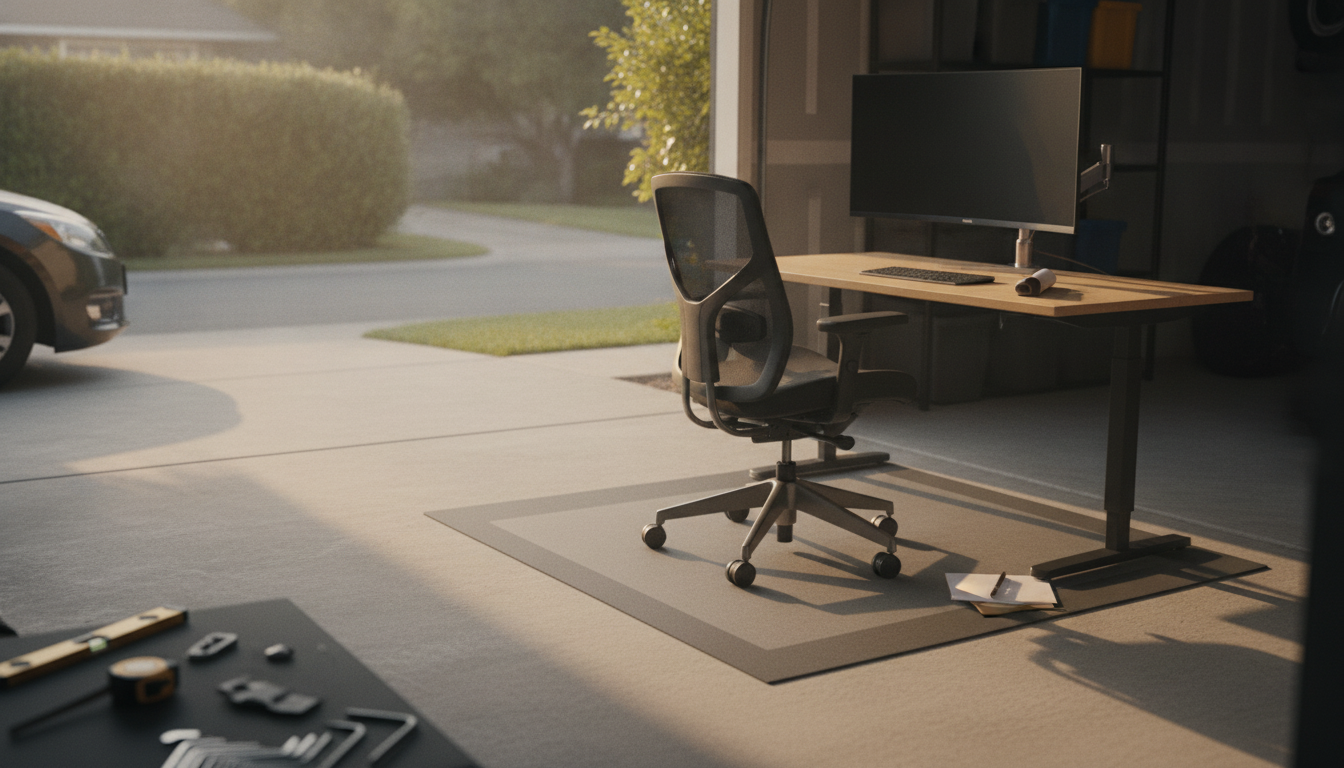
What is the ergonomic setup checklist?
An ergonomic setup checklist is a practical, step-by-step way to arrange your workspace so your body stays in a neutral, supported position while you work. Instead of guessing whether your desk, chair, monitor, and accessories are “close enough,” a checklist helps you confirm key alignment points—like chair height, screen placement, and keyboard position—so you can reduce strain and stay comfortable longer.
It’s especially useful for home offices where furniture is often repurposed from dining rooms or living spaces. A quick checklist lets you spot small fixes that make a big difference, such as raising a monitor, adding foot support, or adjusting armrests so your shoulders can relax.
Core items to include on an ergonomic setup checklist
Chair and posture: Sit with your hips back in the chair, feet flat on the floor (or on a footrest), and knees roughly level with or slightly below your hips. Adjust lumbar support so your lower back feels gently supported without forcing you forward.
Desk height and leg clearance: Your desk should allow your forearms to rest comfortably so elbows stay close to your sides. Make sure you have enough space to move your legs freely without pressure on your thighs.
Keyboard and mouse placement: Keep your keyboard and mouse close enough that you don’t reach. Wrists should stay neutral (not bent up or down), and your mouse should be at the same height as your keyboard to avoid shoulder tension.
Monitor setup: Place your screen about an arm’s length away, with the top of the display around eye level so your neck stays neutral. If you use a laptop, consider a stand plus an external keyboard and mouse to avoid hunching.
Lighting and glare: Position lighting to reduce screen glare and eye strain. If you notice squinting or reflections, adjust lamp placement, blinds, or monitor angle.
How to use the checklist day to day
Run through the checklist when you change work locations, add new equipment, or notice recurring discomfort. For a deeper, room-by-room breakdown with actionable adjustments, see the full guide here: home office ergonomics checklist for comfort and focus.
FAQ
How often should I reassess my home office ergonomics?
Recheck your setup any time you change chairs, desks, monitors, or work location, and whenever discomfort starts to show up. A quick monthly check is also helpful as posture and habits tend to drift over time.












Leave a comment