Best AI for Image Prompts: ChatGPT, Midjourney & More
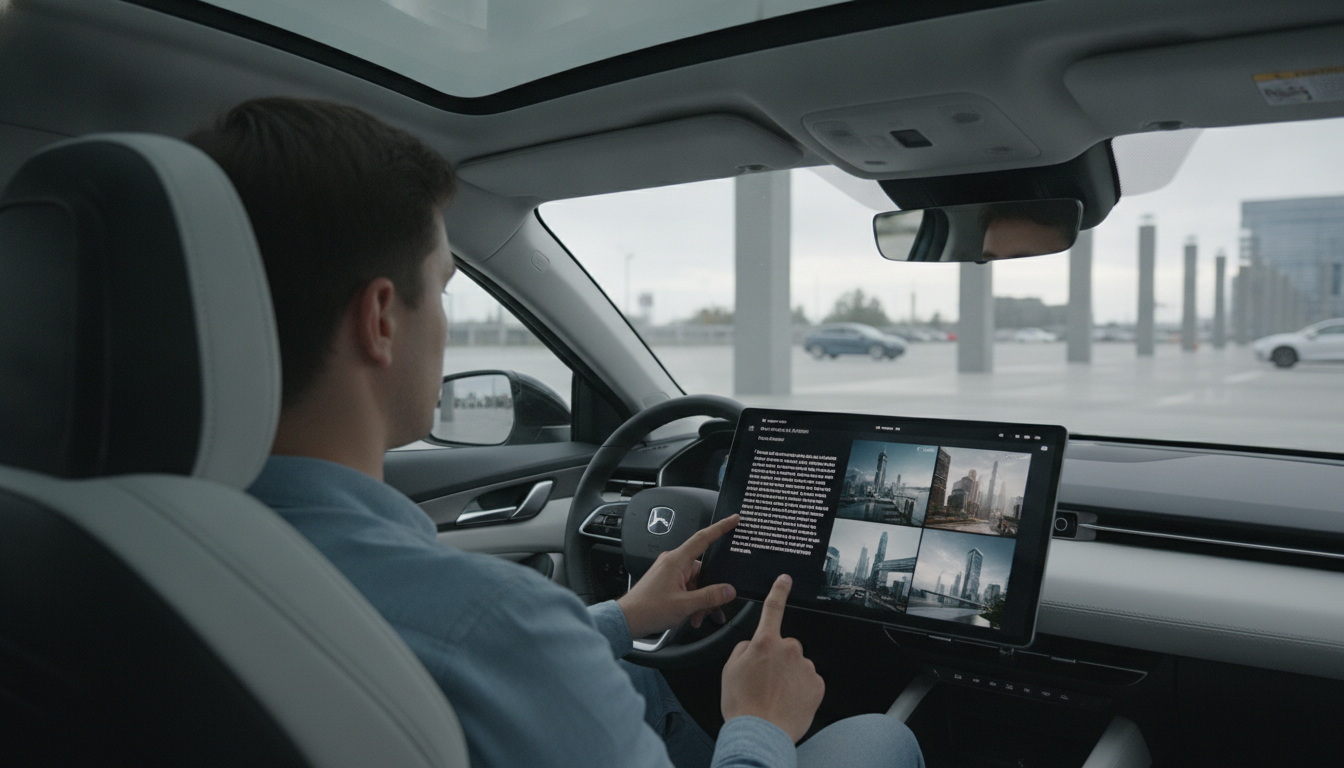
What is the best AI to generate image prompts?
The best AI depends on what kind of image you’re trying to create and how much control you want over the final look. For most people, the top choices fall into three buckets: tools that excel at photorealistic scenes, tools that excel at stylized illustrations, and tools that offer deep customization for power users.
Best all-around: ChatGPT (paired with your image tool of choice)
If you want consistently clear, detailed text instructions, ChatGPT is a strong all-around option. It’s especially good at turning a rough idea into a structured description with subject, setting, lighting, materials, camera angle, and style references—then iterating quickly when you want variations (for example: “brighter,” “more minimal,” “mid-century,” or “cozier”). You can then paste that text into an image generator you already use.
Best for ready-to-use visuals: Midjourney and Adobe Firefly
When you want striking results with less back-and-forth, Midjourney is a go-to for cinematic styling and fast exploration of different aesthetics. Adobe Firefly is a practical choice for product-friendly, brand-safe graphics and workflows that fit well with Adobe tools. Both can produce strong images from short inputs, but you’ll get better consistency when your text includes specifics like materials, color palette, and lighting.
Best for control and repeatability: Stable Diffusion (and custom models)
If you care most about repeatable outputs—consistent characters, a specific interior design look, or a particular rendering style—Stable Diffusion can be the best option. It takes more setup, but the control is hard to beat once dialed in.
A quick way to choose
Pick ChatGPT when you need help clarifying and expanding your idea. Pick Midjourney when you want high-impact visuals quickly. Pick Firefly when you’re designing within a commercial brand environment. Pick Stable Diffusion when customization and consistency matter most.
For practical examples geared toward home spaces—layouts, styles, and idea-starters—visit this TouchCasa guide.
FAQ
How do you write better text instructions for AI images?
Be specific about the subject, environment, lighting, materials, and viewpoint, then add a clear style direction (such as “minimal,” “industrial,” or “watercolor”). If the result is close but not right, change one detail at a time so you can see what actually improves the output.








Leave a comment