Download Google Keep Notes: Full Export via Takeout
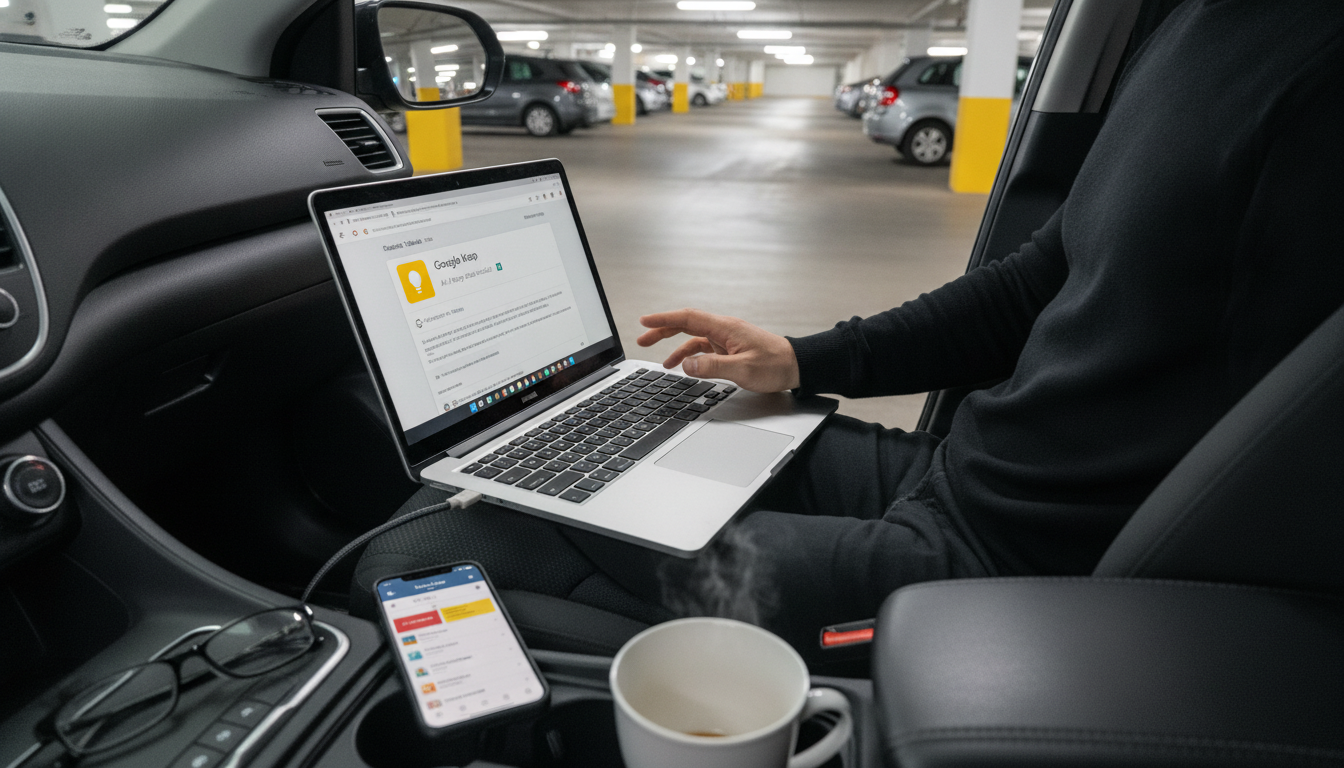
Can I download all my notes from Google Keep?
Yes. The most reliable way to download all your Google Keep notes is through Google Takeout, which lets you export your Keep content in a downloadable file. This is useful for creating a backup, moving your notes to another app, or saving everything before changing accounts.
How to export Google Keep notes with Google Takeout
Google Keep doesn’t offer a single “Download all notes” button inside the Keep app, but Takeout is built for exactly this kind of full export. Here’s the typical path:
- Go to Google Takeout and sign in to the Google account that owns the notes.
- Select “Deselect all,” then choose only Keep to export.
- Pick your delivery method (download link by email is the most common).
- Choose file type and size options, then create the export.
- When it’s ready, download the archive and unzip it on your device.
The export usually includes your notes as HTML files and any attached images or drawings as separate files, making it easier to browse and save.
What gets included (and what to watch for)
Most note content exports cleanly: text, labels, timestamps, images, and drawings. A few things can take extra attention afterward:
- Reminders: They may not import neatly into other apps since each platform handles reminders differently.
- Organization: Labels may not translate to folders elsewhere, so you may need to reorganize after moving.
- Shared notes: Exports generally reflect what’s in your account, but shared ownership and edits can affect what you see.
A simple “reset” habit for digital notes, too
If your Keep is full of quick lists and half-finished reminders, exporting is a great moment to tidy up. The same quick-reset mindset used for busy homes can work for cluttered notes: archive what you don’t need daily, delete duplicates, and keep a short “active” set that’s easy to find.
For a practical, fast-reset approach you can borrow for your routines at home, visit this 10-minute reset, pet-safe kitchen system guide.
FAQ
Does Google Takeout export Google Keep labels and images?
Yes. Labels and images are typically included in the export, with notes commonly provided as HTML and attachments saved as separate files in the archive.












Leave a comment