Home Office Ergonomics: Quick Fixes for Comfort
How do I make my home office more ergonomic?
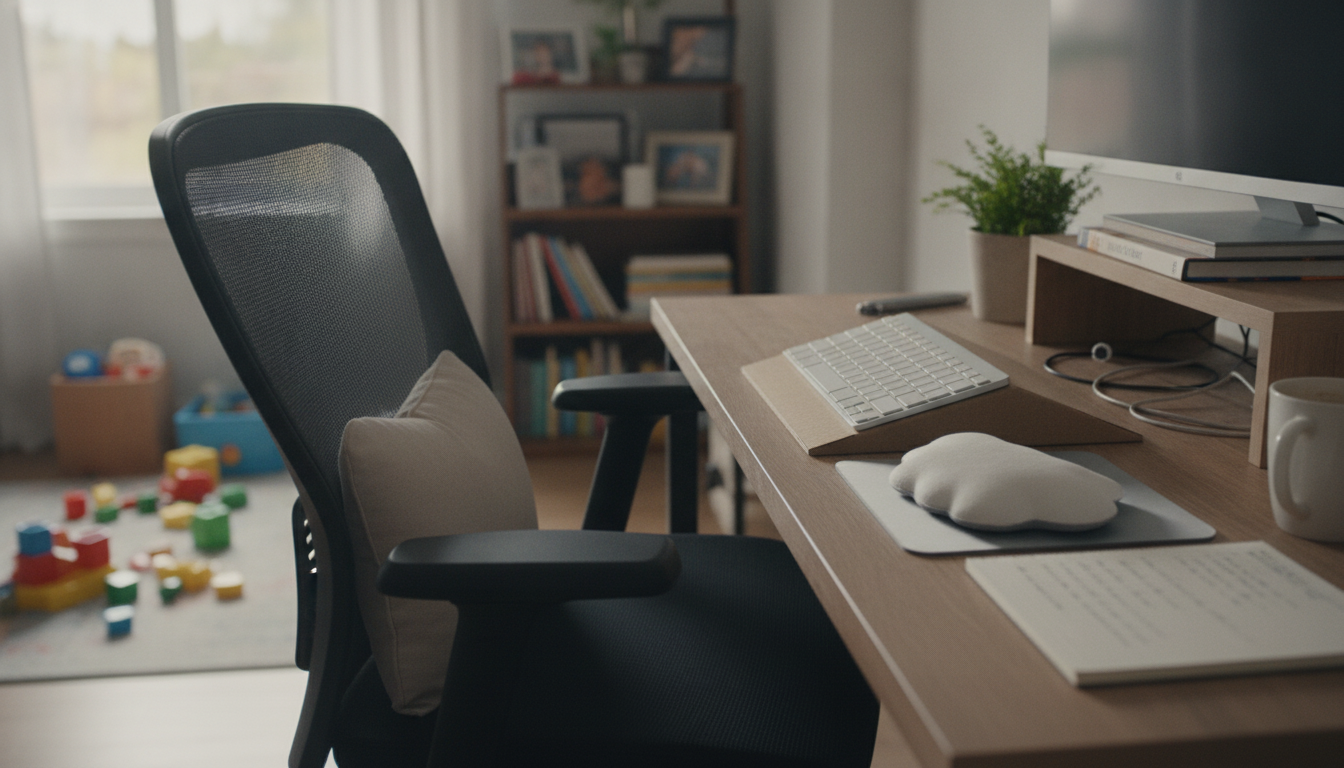
Start by setting up your workspace so your body can stay neutral—head stacked over shoulders, shoulders relaxed, elbows close to your sides, and feet supported. Small adjustments to chair height, screen position, and input devices can reduce strain fast and make it easier to focus for longer stretches.
Dial in your chair and sitting posture
Adjust chair height so your feet rest flat on the floor (or on a footrest) and your knees are about level with your hips. Sit back so your lower back is supported; add a small lumbar cushion or rolled towel if needed. Keep a small gap (about 2–3 fingers) between the front edge of the seat and the back of your knees, and avoid perching on the edge.
Place your monitor at the right height and distance
Position the screen about an arm’s length away. Set the top of the screen roughly at eye level so you’re not craning your neck—especially important with laptops. If you use a laptop as your main computer, consider a stand plus an external keyboard and mouse to keep your head upright.
Set up your keyboard and mouse to protect wrists and shoulders
Place your keyboard so your elbows are around 90 degrees and your forearms are parallel to the floor. Keep wrists straight rather than bent up; a light touch while typing helps. Put the mouse close to the keyboard to avoid reaching, and consider increasing pointer speed so your arm stays relaxed.
Improve lighting and reduce glare
Use soft, even lighting and position your monitor so bright windows aren’t directly in front or behind it. If you work near a window, adjust blinds or add a desk lamp aimed at your work surface (not your eyes) to reduce squinting and headaches.
Build movement into your day
Even a perfect setup can’t replace movement. Stand up every 30–60 minutes, change positions, and do brief shoulder, neck, and hip stretches to keep stiffness from building.
For a step-by-step setup you can follow in minutes, see the full checklist: Home Office Ergonomics Checklist for Comfort and Focus.
FAQ
What’s the best monitor height for reducing neck strain?
Aim to keep the top of your screen at or slightly below eye level, with the display about an arm’s length away. This helps you look straight ahead instead of tipping your head up or down.











Leave a comment